
Free background remover
Strip the background from any image in seconds. Get a precise cutout and a clean transparent PNG, ready to use anywhere.
or drop a JPG, PNG or WebP up to 5 MB onto the example
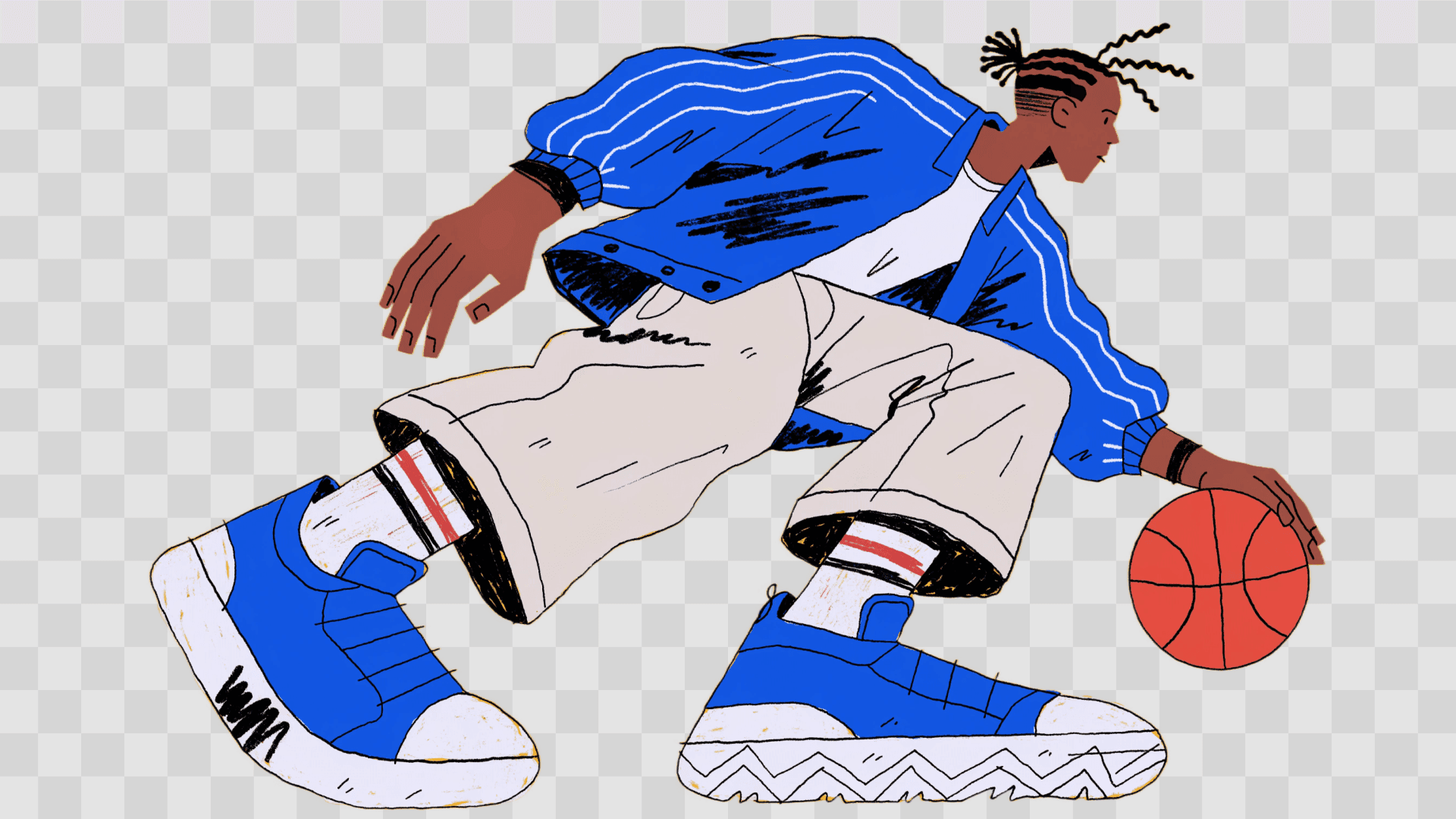
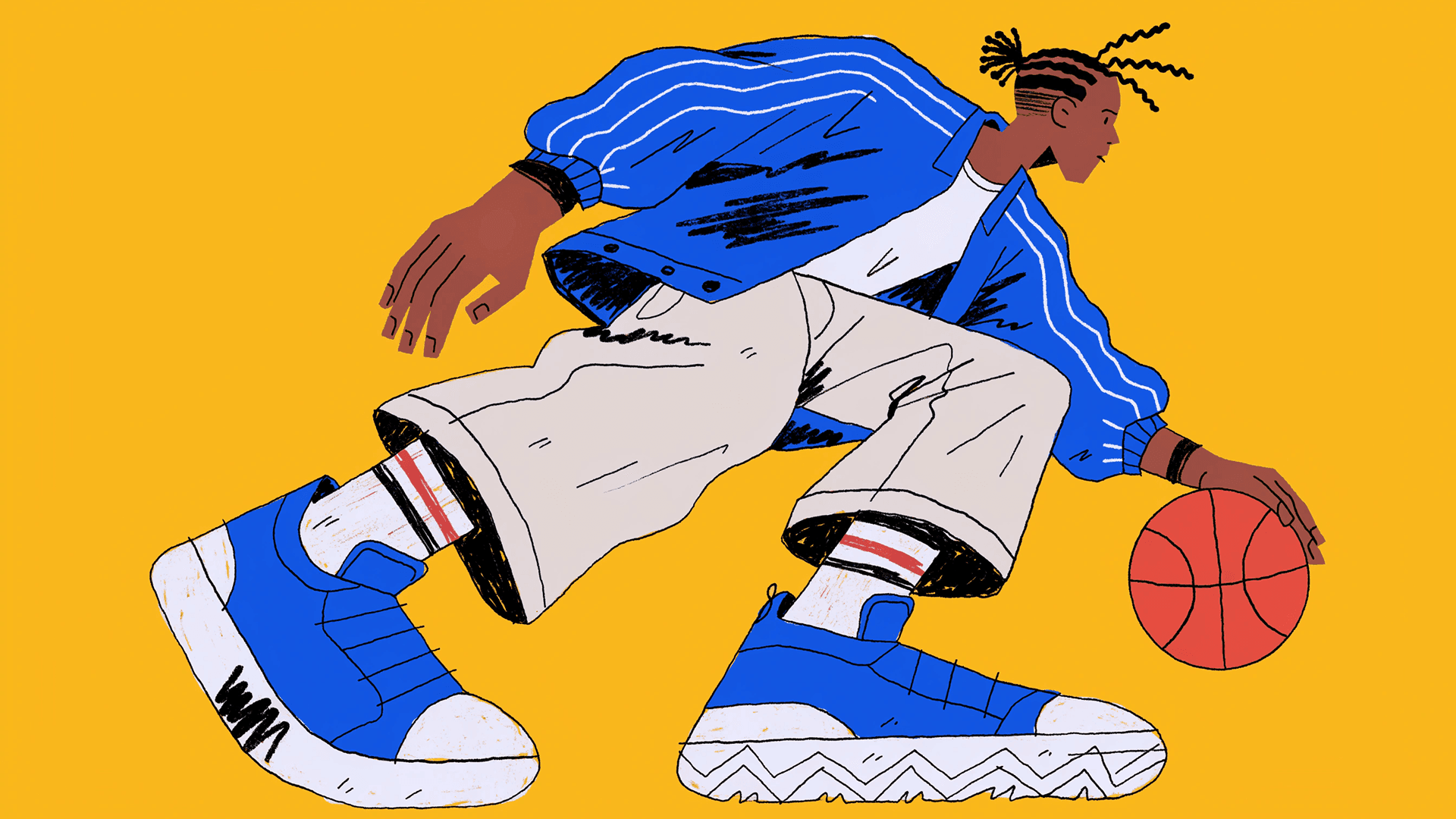
How to remove the background from a picture
- 1
Upload your image
Drag and drop a JPEG, PNG or WebP file into the background remover above.
- 2
Remove the background
The AI deletes the background and keeps only the subject, with clean edges.
- 3
Export or change the background
Sign in to download a transparent PNG, or keep going in Recraft Studio with a solid color, a gradient or an AI-generated backdrop.
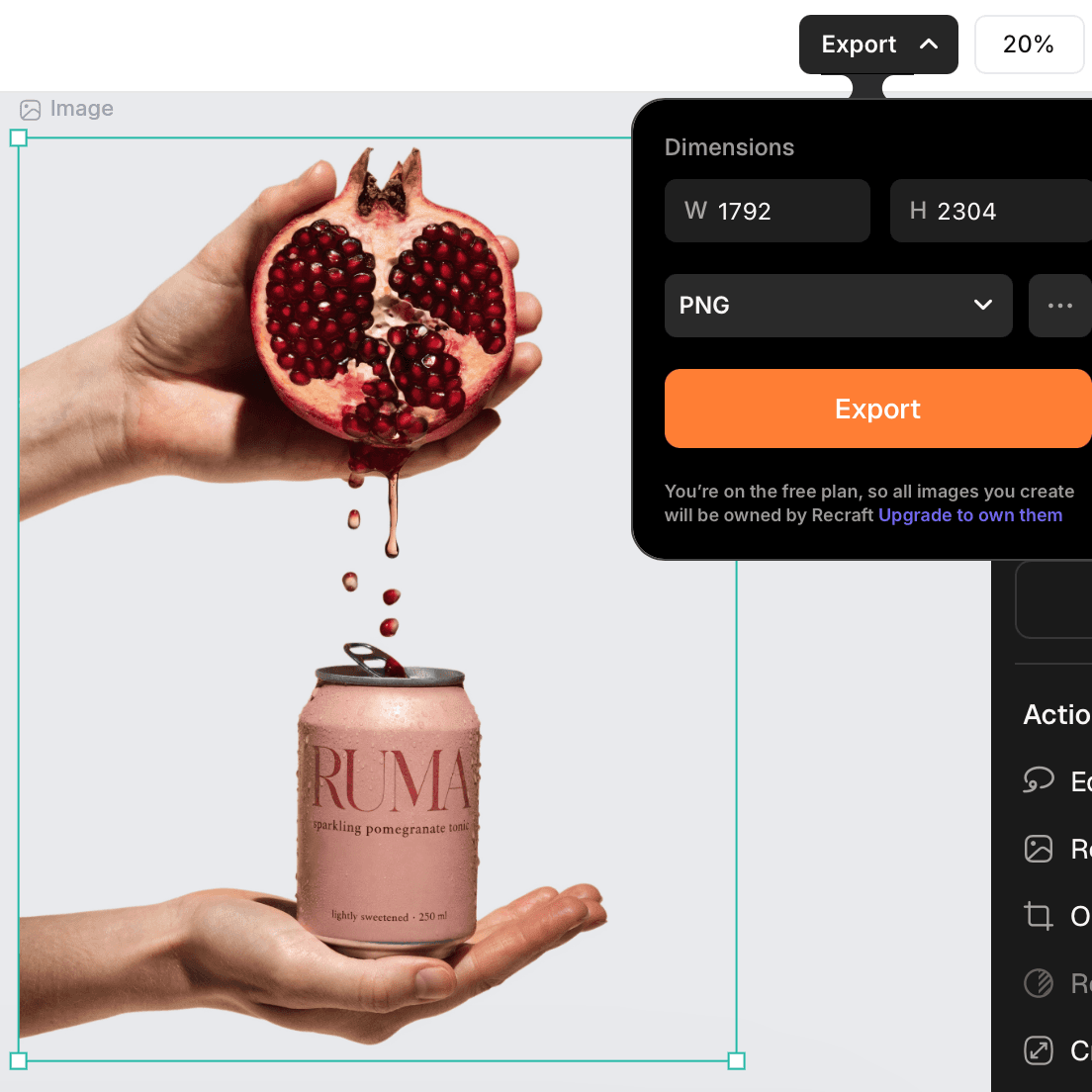
Export the image with a transparent background
Layer your cutout over any design, webpage or video without a box around it. Use it in presentations, email graphics or websites: the transparent layer blends cleanly with whatever is behind it.
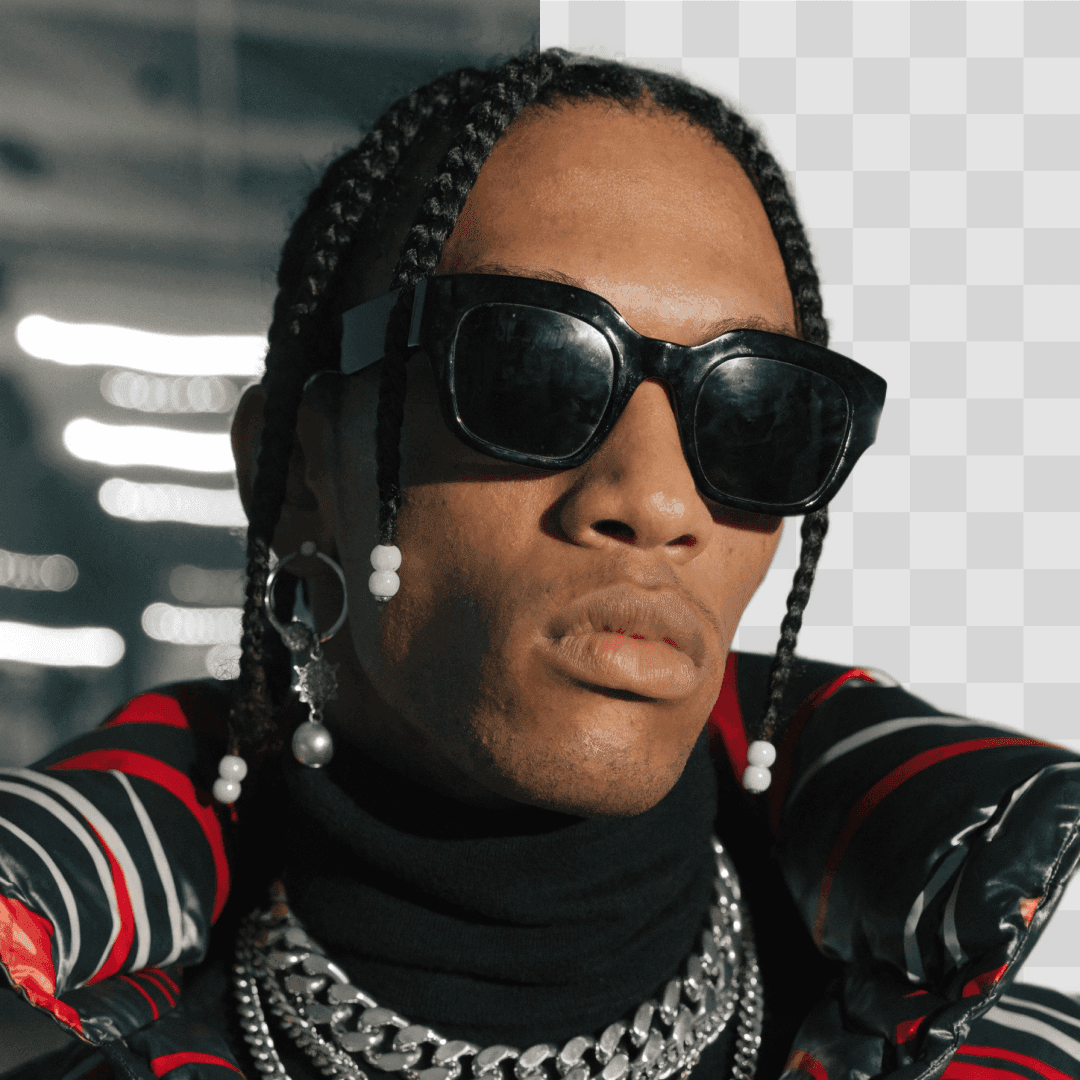
Recolor the background or put the subject on a new scene
Place the subject on plain white or any solid color to match your brand palette, or swap the background for a studio backdrop, a lifestyle setting or an AI-generated scene in Recraft Studio.
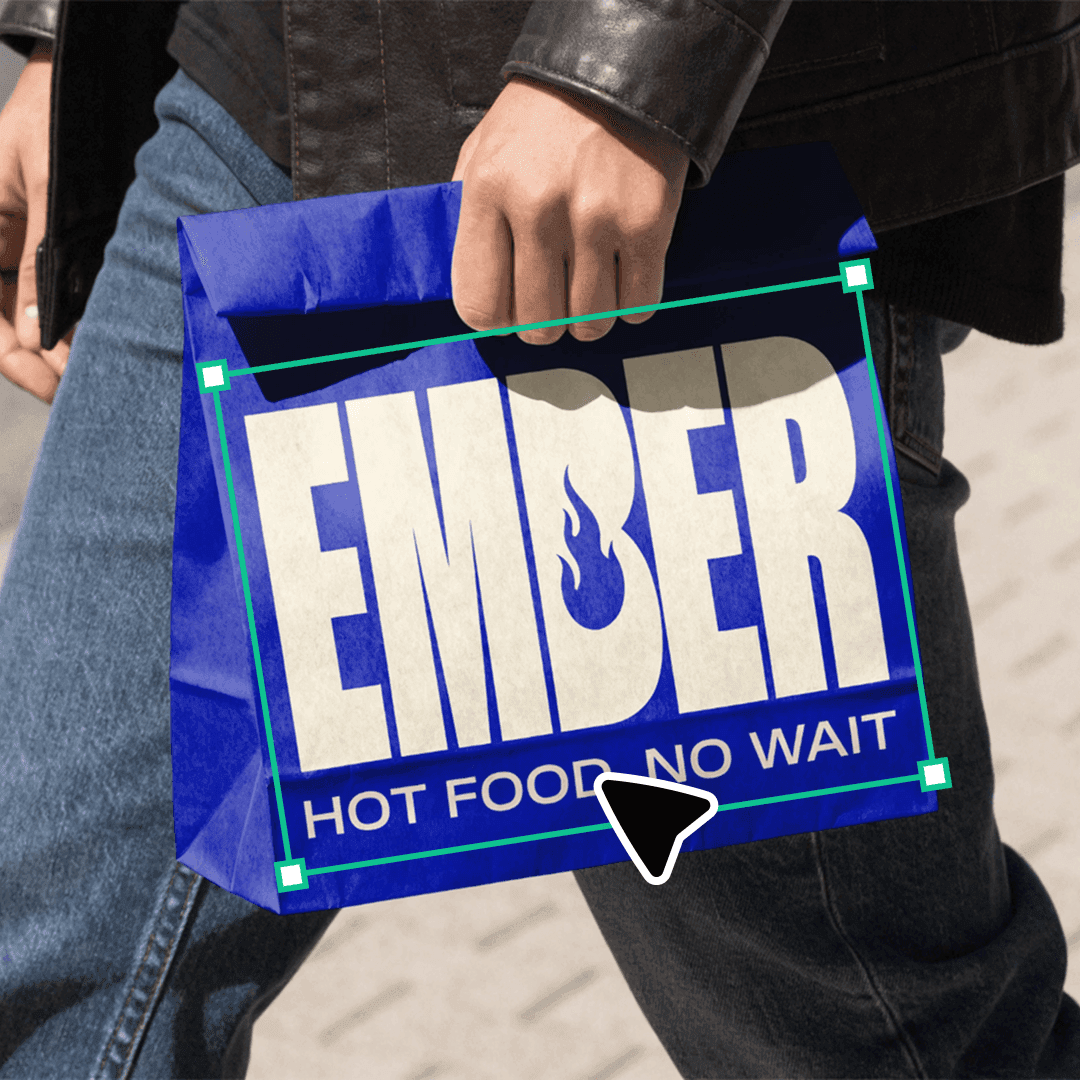
Background-free images are ready for mockups
Place the cutout directly onto a T-shirt, packaging, poster, phone case or tote bag with the AI mockup generator to see exactly how it will look before printing or publishing.
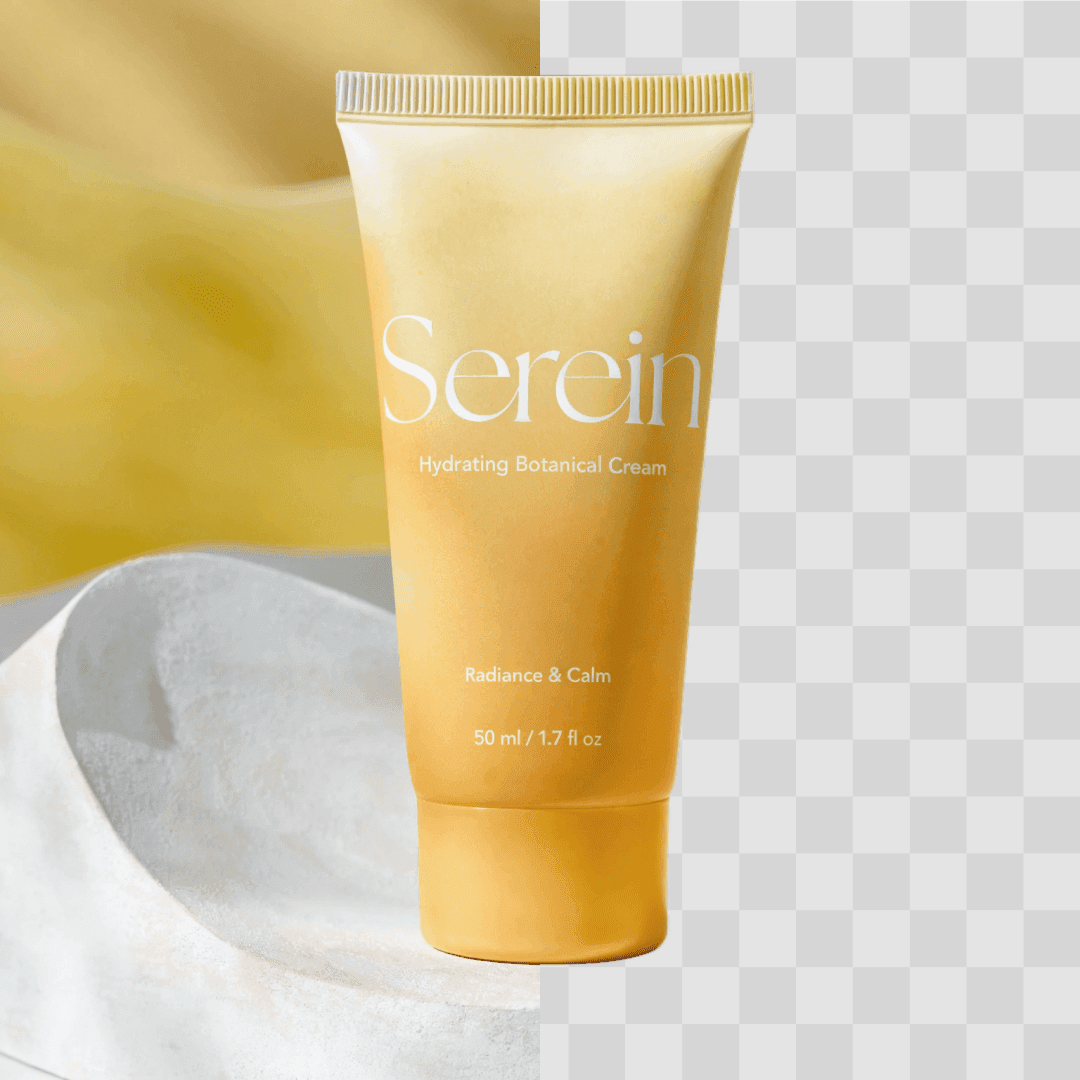
Where background removal is useful
E-commerce: clean product images on white or neutral backgrounds meet marketplace listing requirements and keep the catalog consistent.
Marketing and social media: designers and marketers isolate subjects to build campaign visuals, social posts and ads, and reuse the same cutout across stories, banners and print.
Avatars and stickers: cut yourself, a friend or a pet out of a photo to create a profile picture, a sticker or a meme.
What designers say about Recraft
“The best AI image generator on the market right now.”
Tomas Laurinavicius, Founder, Marketer, Designer & Writer “Very handy in my work. Enjoy creating illustrations with Recraft. Really love speed and the results. Highly recommend!”
Alexander Karavaev, Designer “Recraft is absolutely amazing when it comes to vector image generation. The UI is really polished and pretty intuitive and tutorials are also provided on the platform.”
Daniele Manca, Front End Engineer “I was impressed by all the styles available in Recraft, especially the creation of seamless patterns feature.”
Daniela Muntyan, Product Designer at Craft
More tools in Recraft Studio
AI image editor
Once the background is gone, keep editing with area-specific and prompt-based changes.
Mockup generator
See your cutout on T-shirts, packaging, signage and other real-world surfaces.
SVG converter
Turn the cutout into an editable SVG that stays sharp at any size.
AI image upscaler
Increase the resolution of your cutout for print and large formats.
Background remover FAQ
Yes. Recraft has a free plan with most of the functionality designers need, and paid plans for higher limits and commercial rights.
Upload your image to the background remover on this page. The AI strips the background and leaves a precise cutout; sign in to download it as a transparent PNG or keep editing it in Recraft Studio.
JPEG, JPG, PNG and WebP files up to 5 MB. For the sharpest results, use a photo with a clearly defined subject.
Yes. Recraft provides an API endpoint that takes an image and returns a clean transparent PNG, ideal for automating product photo workflows or adding background removal to your own app.
Keep going in Recraft Studio
Edit, recolor and export your result next to every other AI design tool. Free to start, no credit card required.
Try Recraft Studio